
Samsung Galaxy Note 20 Ultra 12GB RAM 128GB
Mr.Energy Cellphones LLC
Samsung Galaxy Note 20 Ultra 12GB RAM 128GB
Galaxy Note has always been about putting power in your hands. Now, to face the challenges of our ever-changing world, Galaxy Note20 5G and Note20 Ultra 5G take power to the next level. Optimised, trusted and ready for business. With the innovative wireless DeX,* intuitive Notes experience, updated S Pen,** and Samsung Knox security, Galaxy Note20 5G and Note20 Ultra 5G aren't just smartphones.
They’re the power phones built to help empower your business.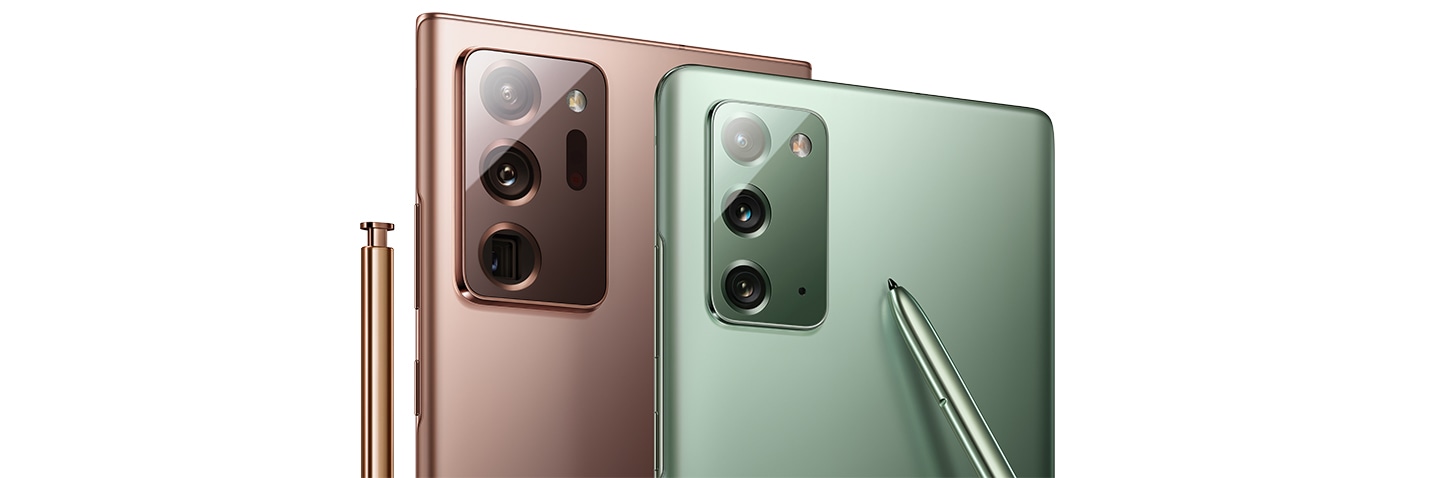
A second screen experience, double the workspace
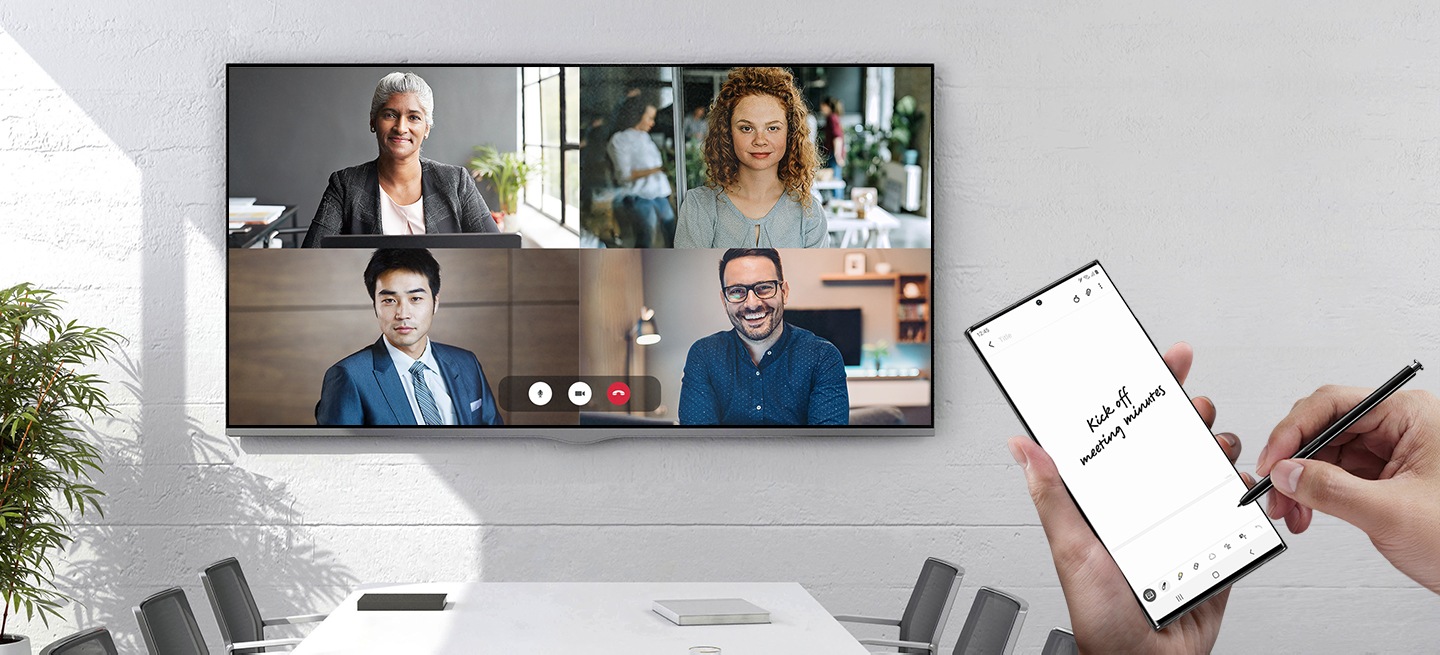
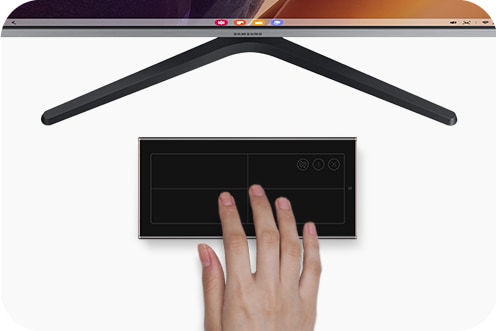
Samsung DeX* has gone wireless, making it easy to be productive on a bigger screen. Connect to a compatible SmartTV wirelessly,** and video conference on Samsung DeX while using your phone to take notes and S Pen to control remotely. Plus Wi-Fi Optimizer*** on Galaxy Note20 5G and Note20 Ultra 5G lowers the latency on your Wi-Fi connection to keep your video conference smooth.
Touchpad
Samsung Notes
The noteworthy innovation of taking notes
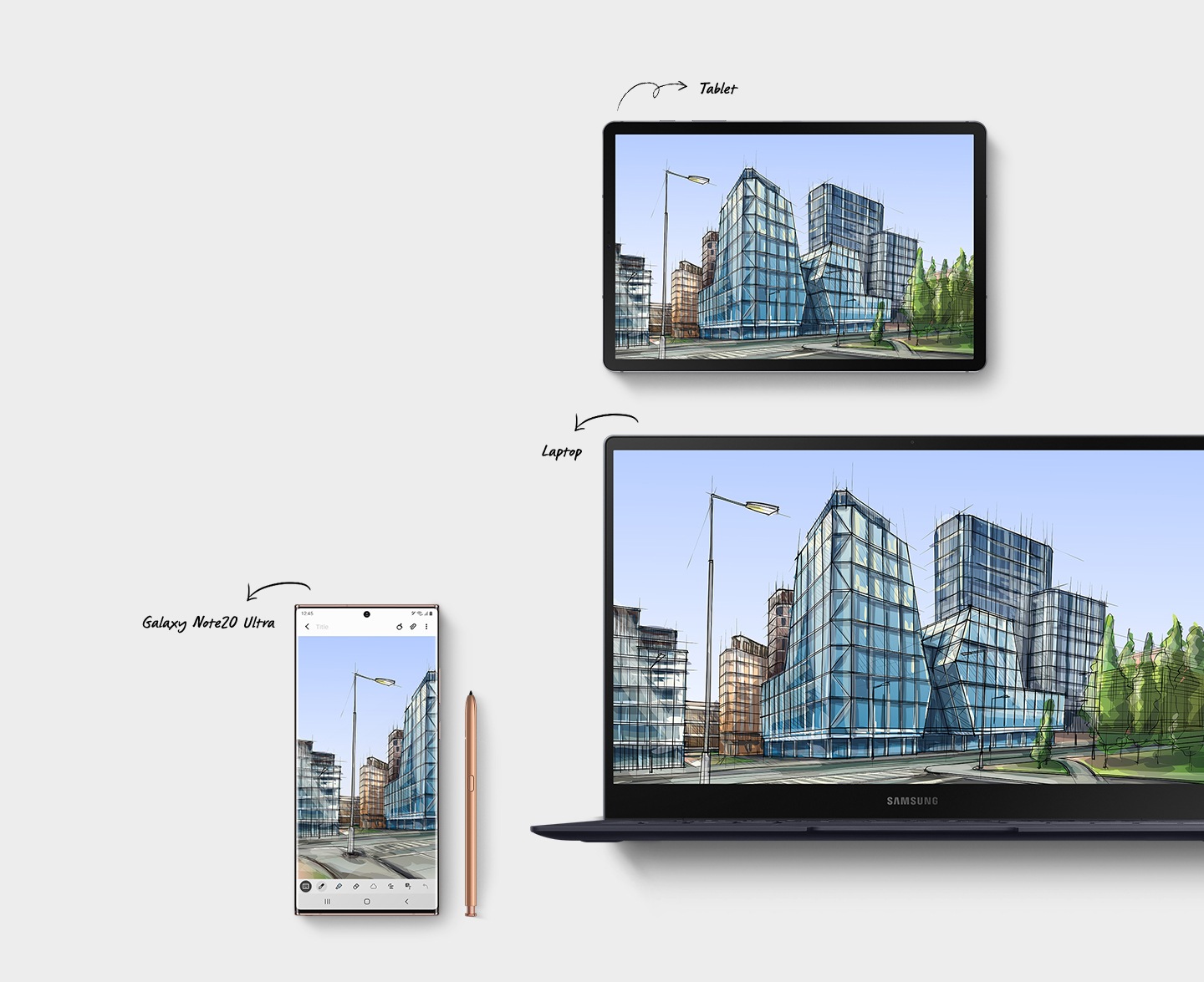
The new Samsung Notes features old favorites and new ways to stay organized.* It automatically syncs across your work devices so you can move from your Galaxy Note20 5G or Note20 Ultra 5G to your compatible tablet or laptop with ease.
*Text export function supported only in the Samsung Notes app. Function availability may vary by language. The actual text export function may require some processing to turn writing into text.
Intelligent Notes
Samsung Notes helps keep your notetaking experience efficient. You can turn your handwriting into text for lists you can easily copy and paste into an email. And Auto Straighten helps keep your handwriting aligned for better organized notes.
Folder Organization
Help keep your files and notes organized the way you like with the new folder structure. Create folders and sub-folders, categorizing as you need. And now your documents break into pages, so you can easily see all your Note pages at a glance.
There are no reviews yet.
Only logged in customers who have purchased this product may leave a review.
More from Samsung
View all


As low as AED 811.20/month


As low as AED 550.88/month


As low as AED 439.73/month


As low as AED 598.65/month


As low as AED 350.03/month


